

How Flinks Express works
Flinks Express directs the user to a website that prompts them to perform the following actions to connect their financial accounts:- Validate their identity.
- Review the scope of data that your services require them to share.
- Select their financial institution, then enter their username and password to log in with their financial institution.
- Answer a multi-factor authentication (MFA) question if their financial institution requires them to.
- Select the account they want to share.
What your customers will see
When you use Flinks Express, this is what your customers will see: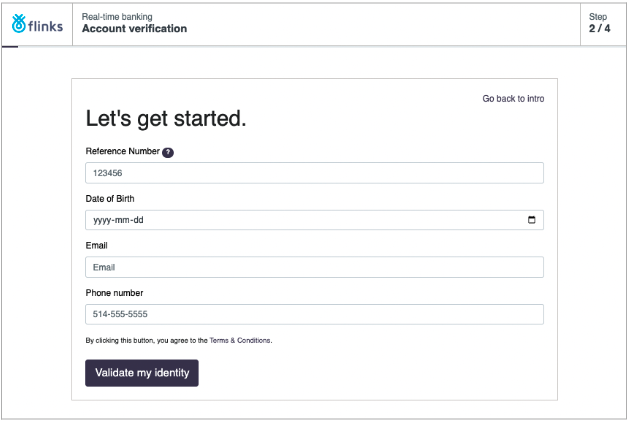
Set up Flinks Express
Flinks Express is the fastest way to integrate with us to connect end-user accounts. It’s a hosted solution that we manage on your behalf, but we design it to look like your website. At a high level, the following steps are required to set up Flinks Express:- Contact your Flinks representatives to let them know when you would like to integrate via Flinks Express.
- A form will be provided so you can specify how you want to customize your Flinks Express configuration.
- Flinks uses the customizations you’ve requested to build your Flinks Express instance, then provides you with the link to it.
- Review your completed Flinks Express configuration.