

- In your Flinks Dashboard
- By calling our APIs
Access your data in the Flinks Dashboard
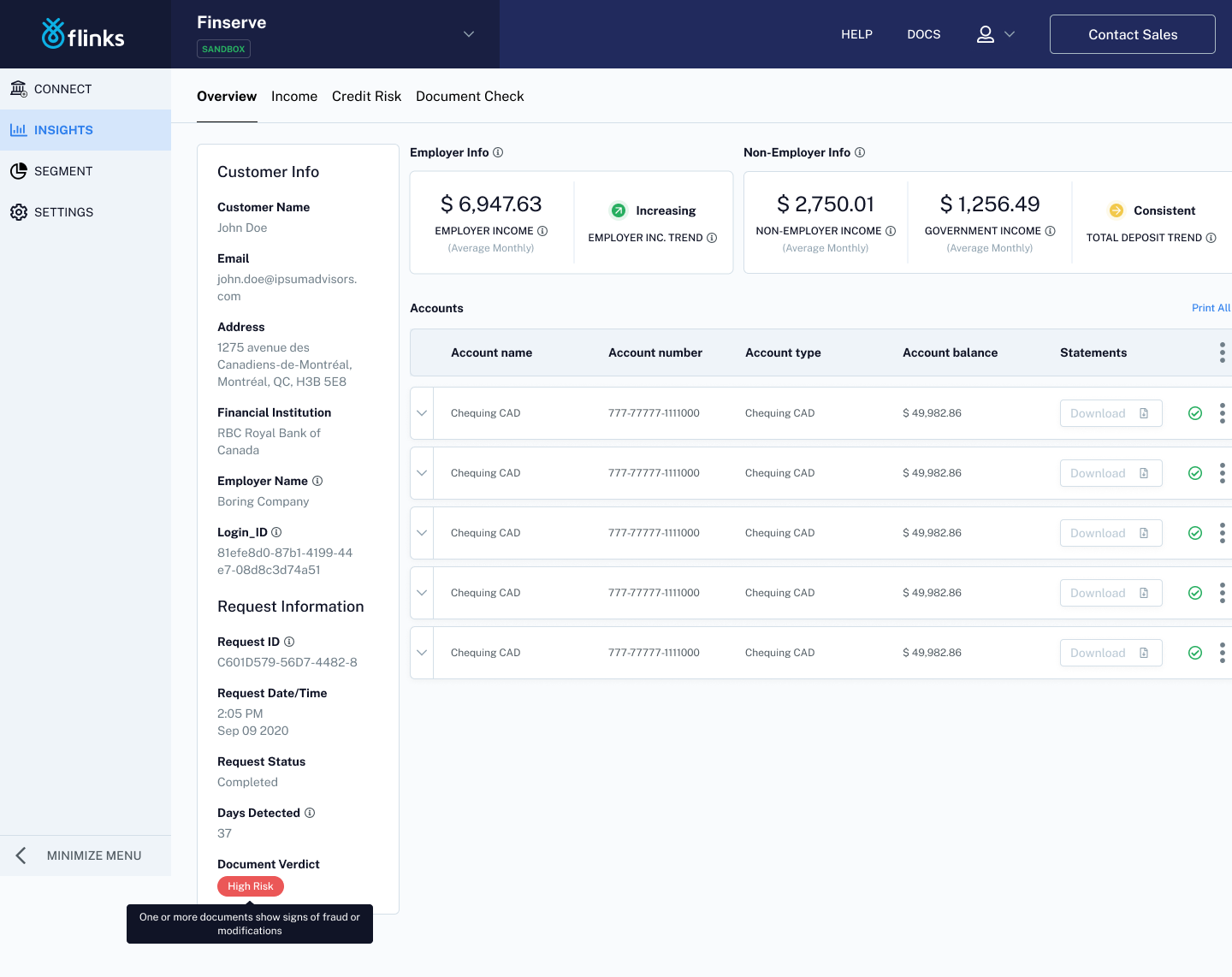
Complete the following steps to accept your processed in your Flinks Dashboard.- In the Dashboard, navigate to the INSIGHTS screen.
- Locate the name of the customer whose upload you want to review.
- Check the Financial Institution and Time/Date fields to confirm that the statement is the most recent one.
- Review the Request Status field to check if the upload is finished processing.
- If the Request Status field is showing as Completed, click on the row to review your insights.
- Review your processed data. If you are receiving other Flinks insights, such as Attributes, you can also access that data here.
- (Optionally) Check for fraud to see if we’ve identified any fraud signals.
Access your data by calling our APIs
Call one of the following endpoints, depending on the type of data you want to receive:- To receive processed data for bank statements, call the /GetAccountsDetail endpoint.
- To receive information about any fraud signal(s) that were detected in an uploaded file, call the /FraudAnalysis endpoint.